Video Guide · Clients page
Create, edit and manage families.
Grouping a household into a family gives you one view of its portfolio, wealth and goals. On the new Clients page every bulk action, families included, sits under a single Actions button. Same on desktop and mobile.
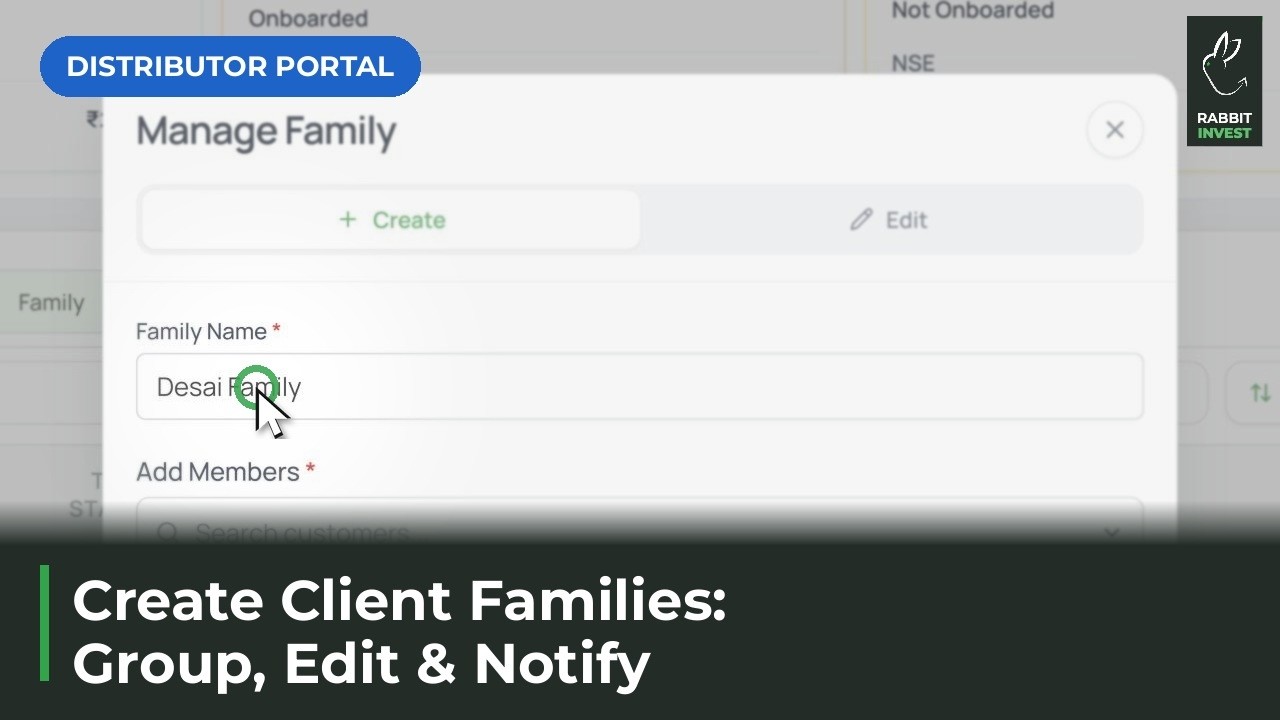
Steps in this video
Group a household into one family view.
1
Tick clients in Clients
Select the clients that belong to one household.
2
Actions, then Create Family
Name the family and create it.
3
Use the Family tab
Edit, notify or download for the whole family from one place.