Video Guide · Research
Compare funds. Side by side.
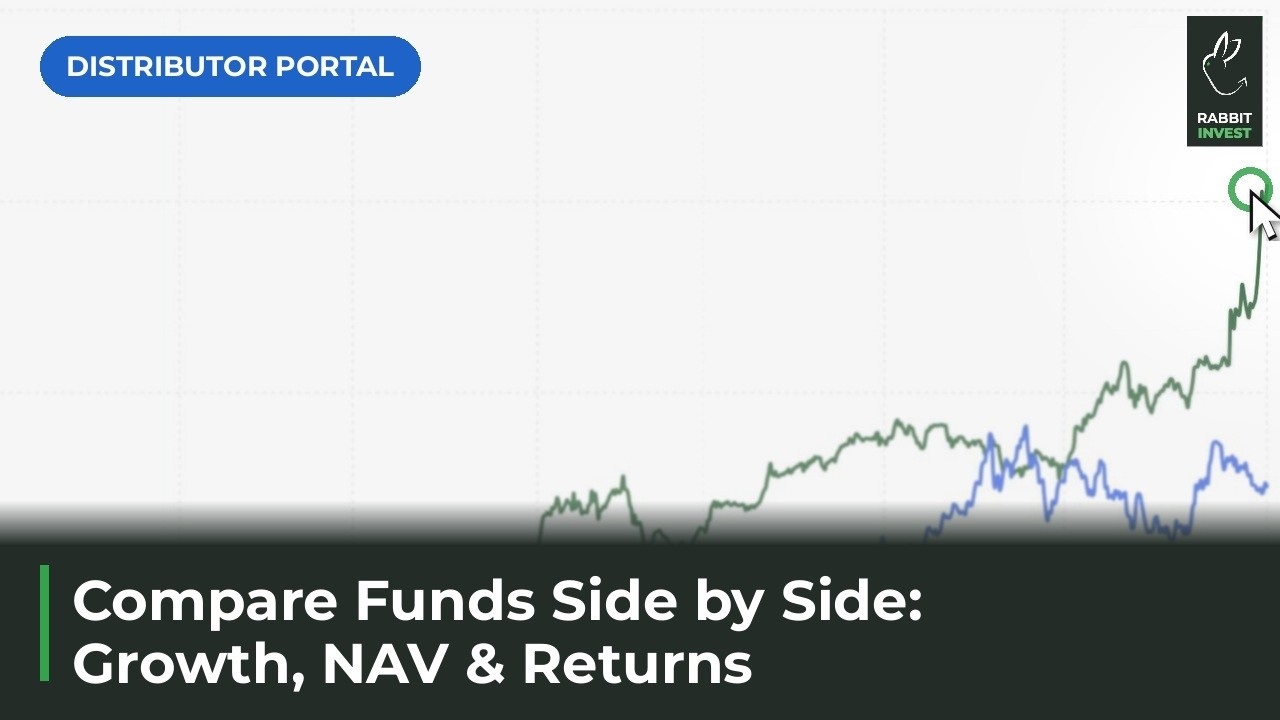
Up to 5 funds on one screen: growth of ₹10,000, value by period, NAV and rolling returns.
Steps in this video
Up to 5 funds compared on one screen, from Browse Funds.
1
Open Browse Funds from the sidebar
Start from the full fund list.
2
Tick the funds you want to compare
Pick up to 5.
3
Tap Compare now
The comparison opens on one screen.
4
See growth of ₹10,000, fund against fund
The same amount, invested in each fund.
5
Switch the period from 1M to All Time
See how the picture changes over time.
6
Check NAV and rolling returns
Shown as CAGR or absolute.