Video Guide · Transactions
Place a lumpsum order. Six steps.
From the client page to the order summary, in a few clicks.
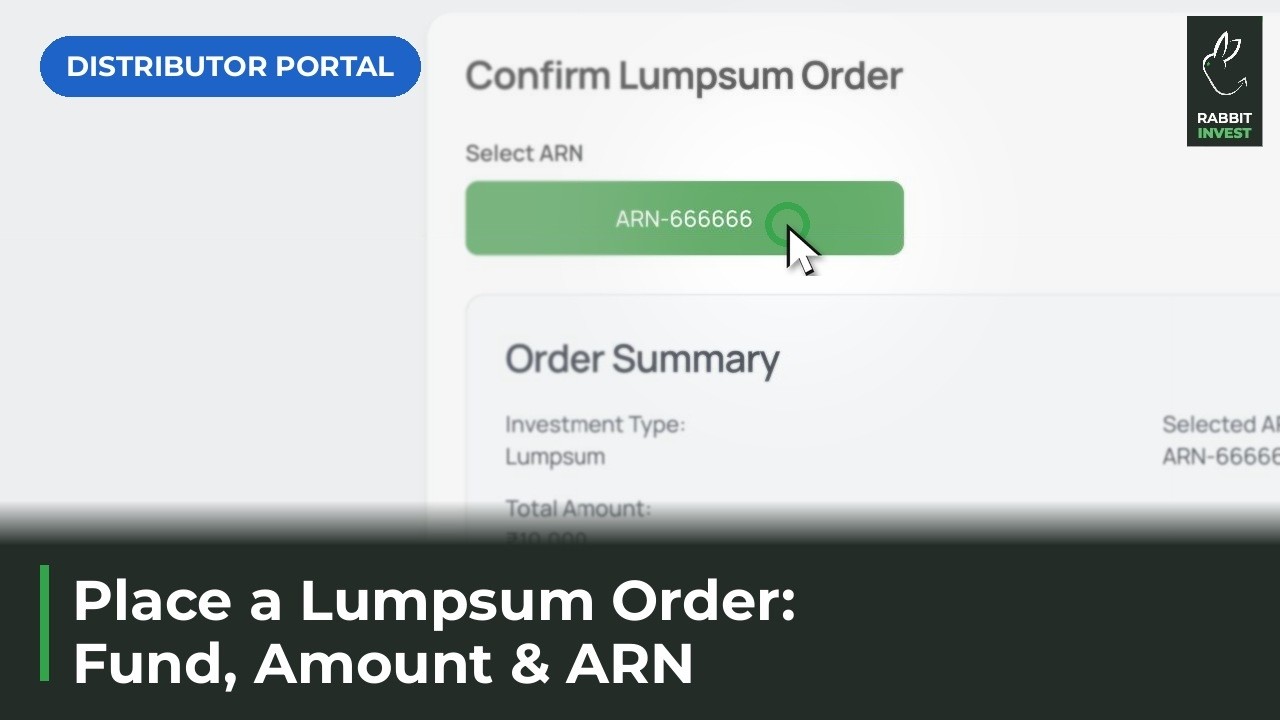
Steps in this video
A lumpsum order for a client, from the client page to the order summary.
1
Open the client and tap Transact
Orders start from the client page.
2
Pick the exchange, NSE or BSE
Choose where the order goes.
3
Search the fund and tap Add
Find the fund and add it to the order.
4
Choose Lumpsum and enter the amount
Set the one time amount the client is investing.
5
Select your ARN and check the order summary
Review every detail before it goes out.
6
Place the order
Place it when your client is ready.