Video Guide · Planning
Create a goal. Inflation built in.
Set up a goal for your client, then start a new portfolio or map funds they already hold.
Steps in this video
A goal for your client, from the Goals tab to a portfolio behind it.
1
Open the client and go to Goals
Every goal for the client lives here.
2
See every goal with progress to target
Check how far each one has come.
3
Tap Add new
Start a new goal.
4
Name the goal and pick a category
Retirement, a house, education and more.
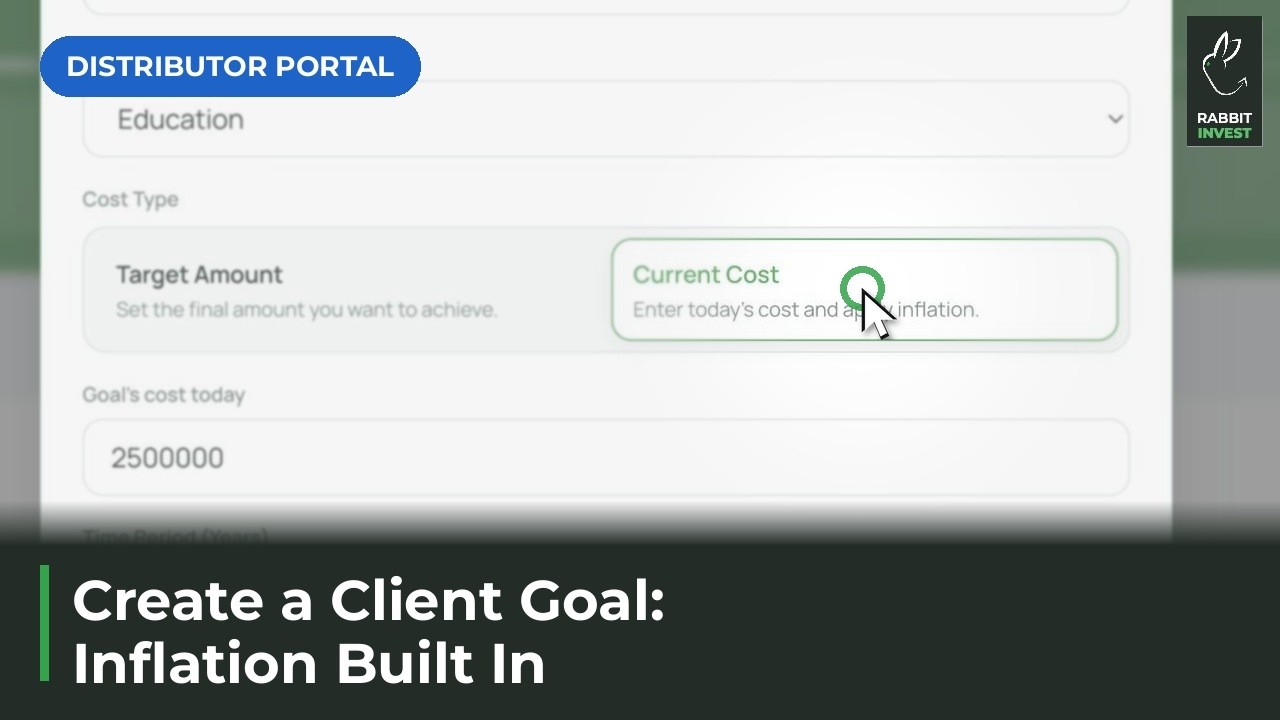
5
Enter today’s cost and the time period
Inflation is built into the target.
6
Start a new portfolio or add existing funds
Back the goal with new or current investments.