Video Guide · Analytics
One client. In depth.
Reports, AUM over time, benchmarks, fund mix, sectors and stocks.
Steps in this video
One client’s portfolio, from Analytics & Reports down to stock level.
1
Open the client, then Analytics & Reports
Everything about the portfolio starts here.
2
Open any client report from the top row
Reports are one tap away.
3
See AUM, inflows and outflows over time
How the portfolio has moved.
4
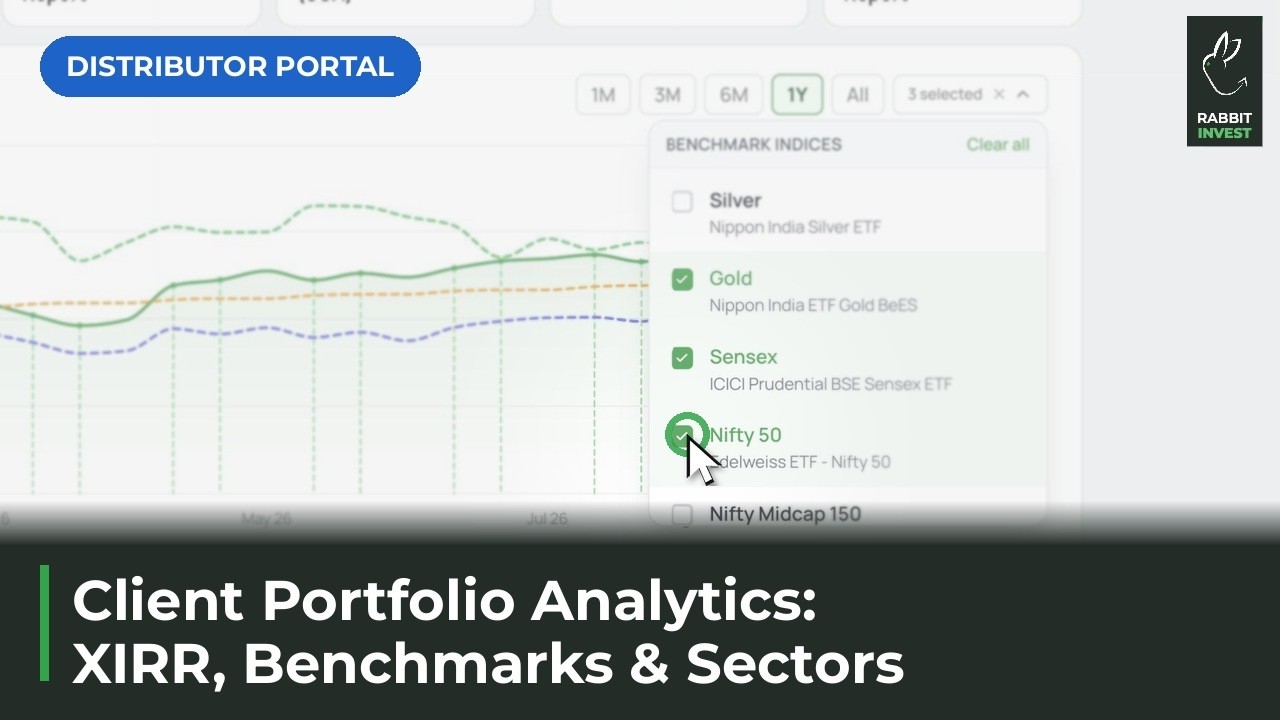
Compare against indices
Nifty 50, Midcap 150, gold and more.
5
Check holdings by fund or by category
See the mix at a glance.
6
Drill into sector and stock exposure
Go as deep as the conversation needs.